
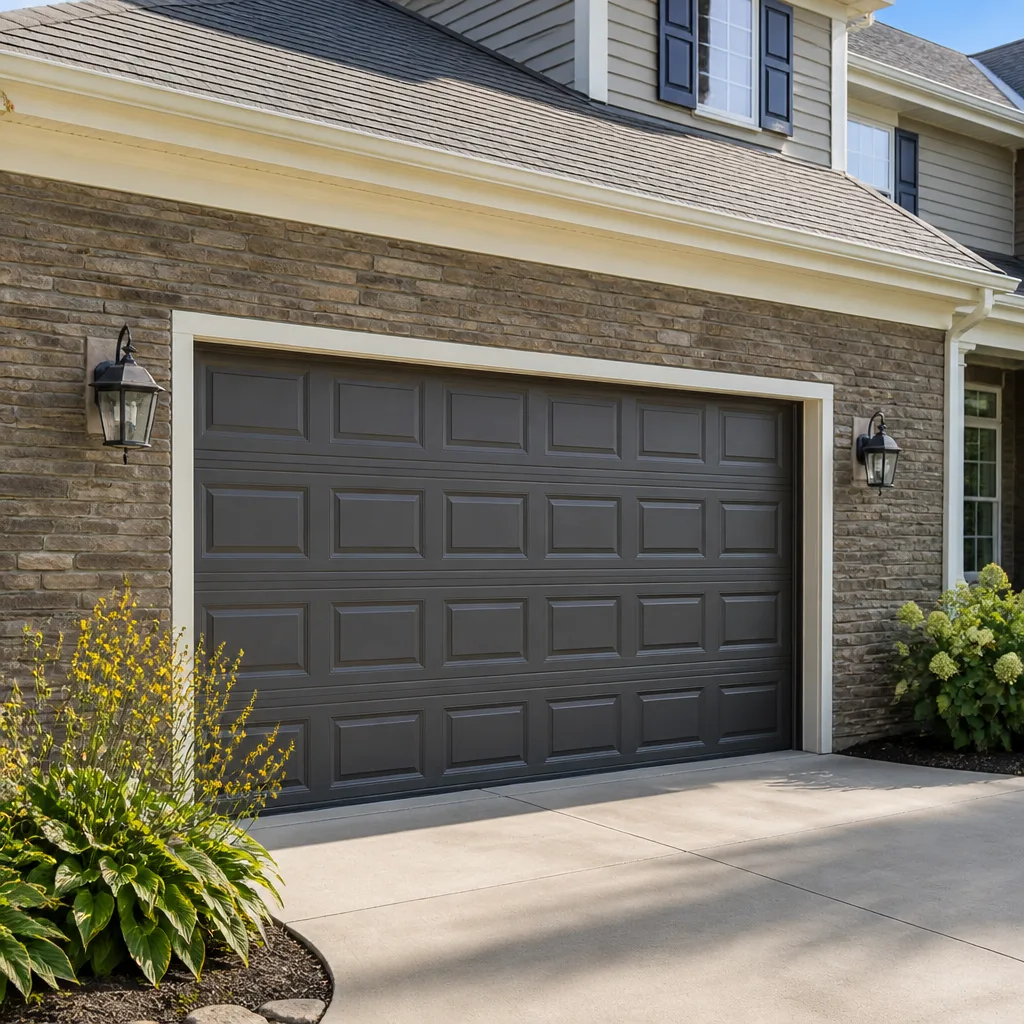
 Raised-panel steel
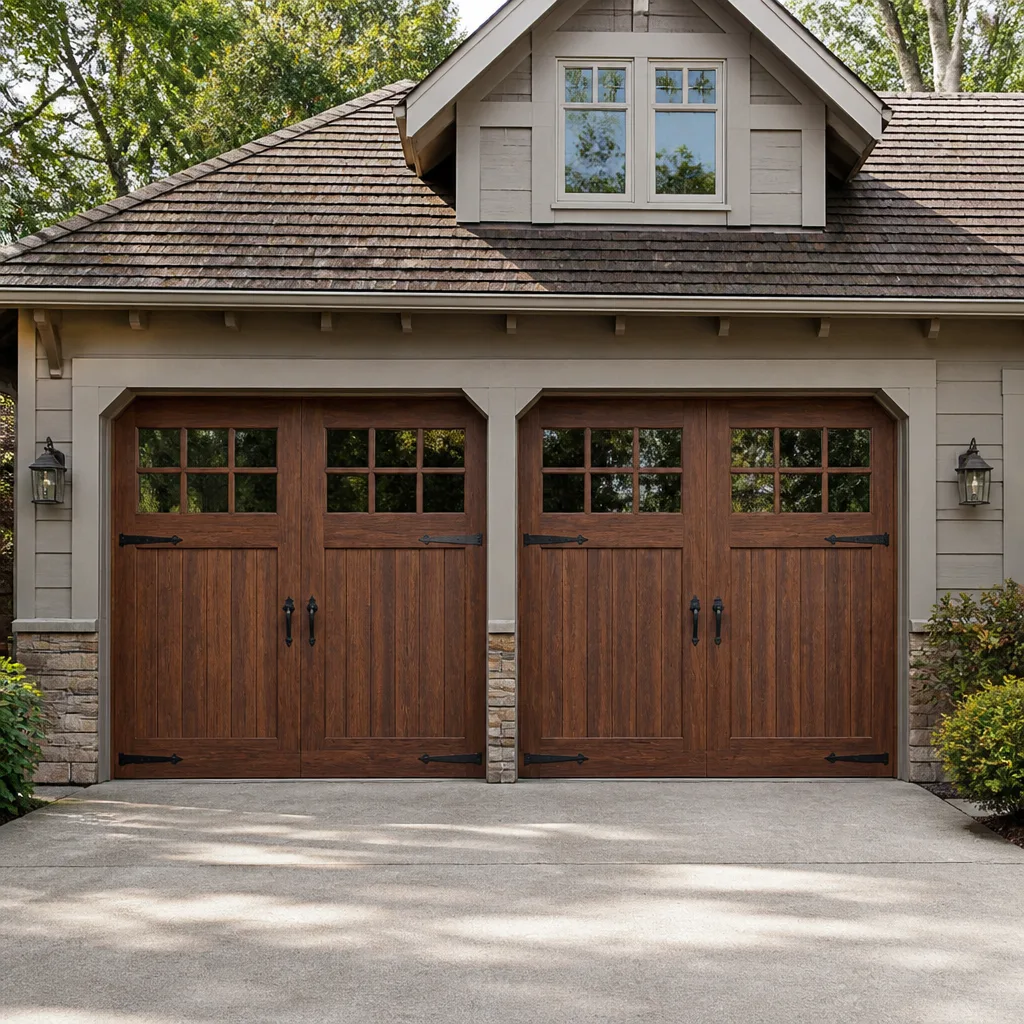 Carriage house
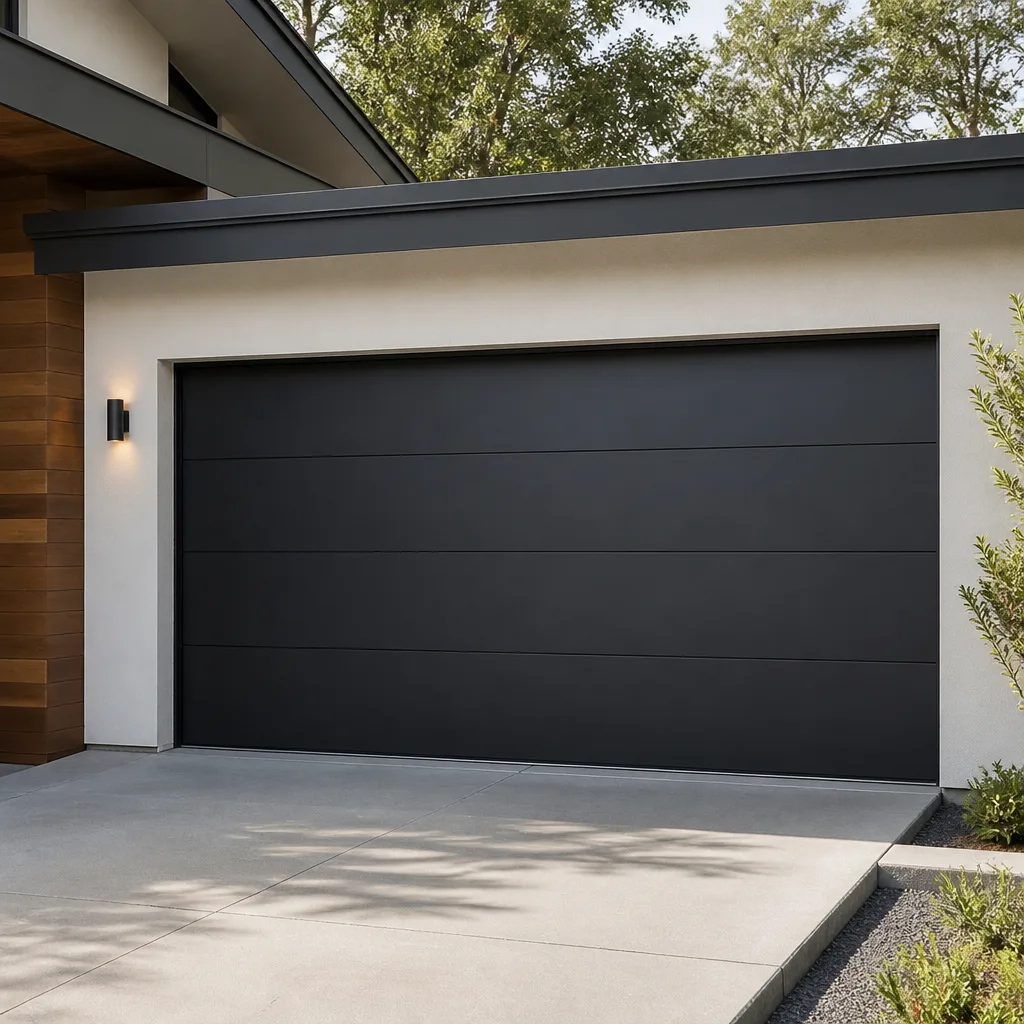 Modern flush
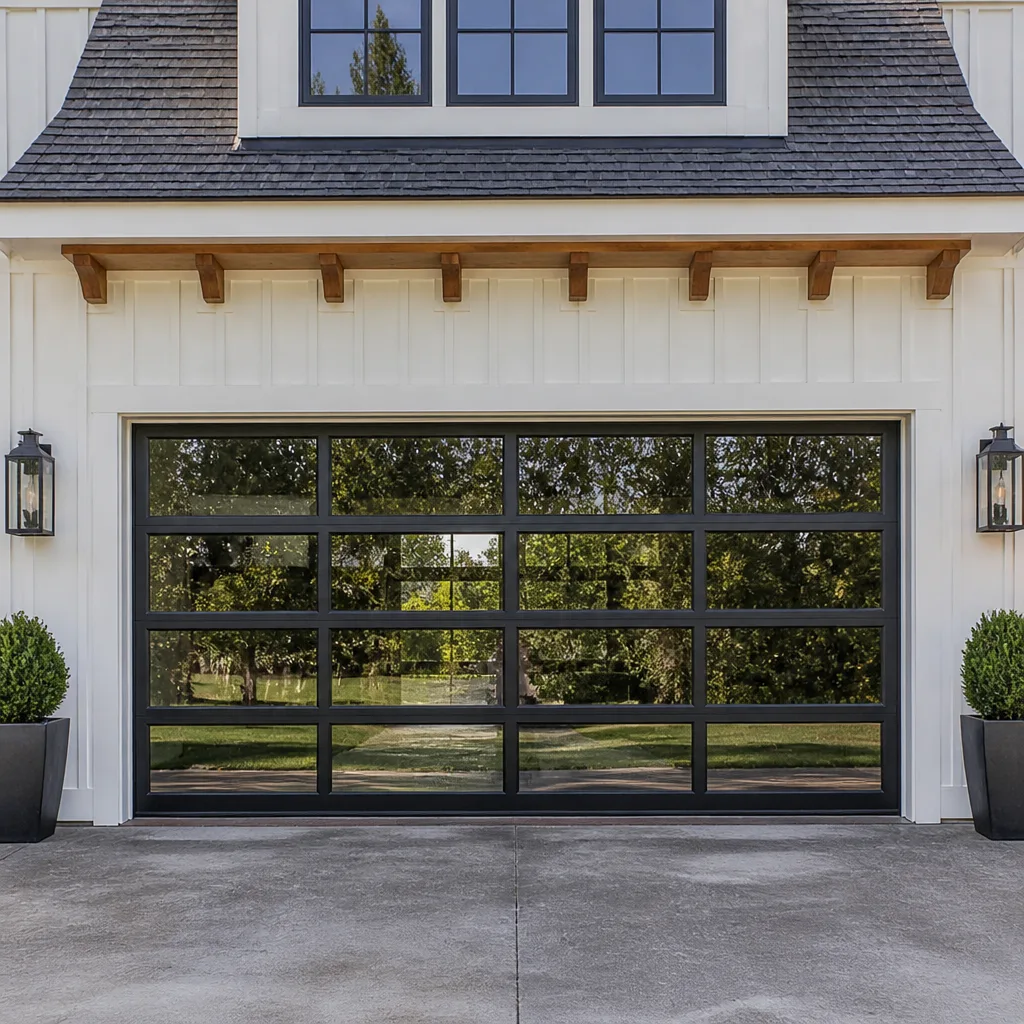 Full-view glass
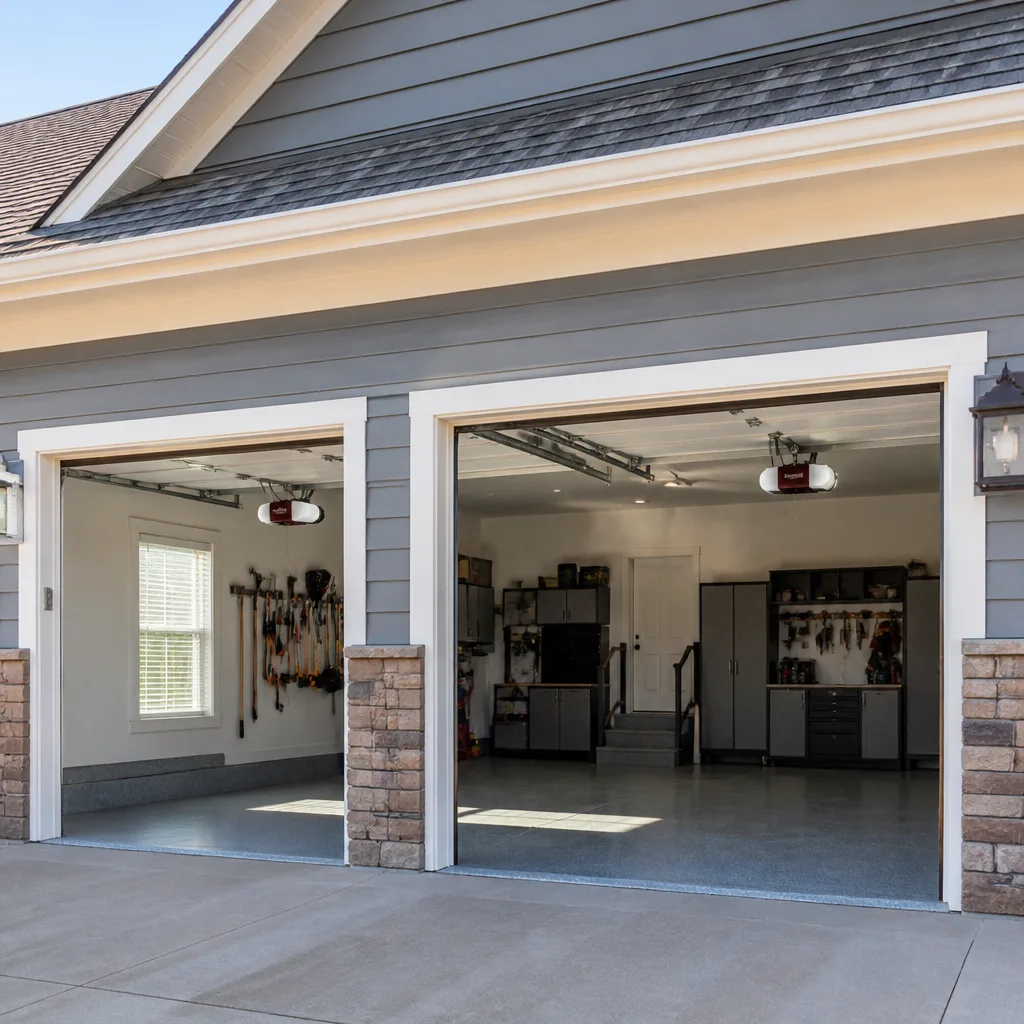 LiftMaster openers
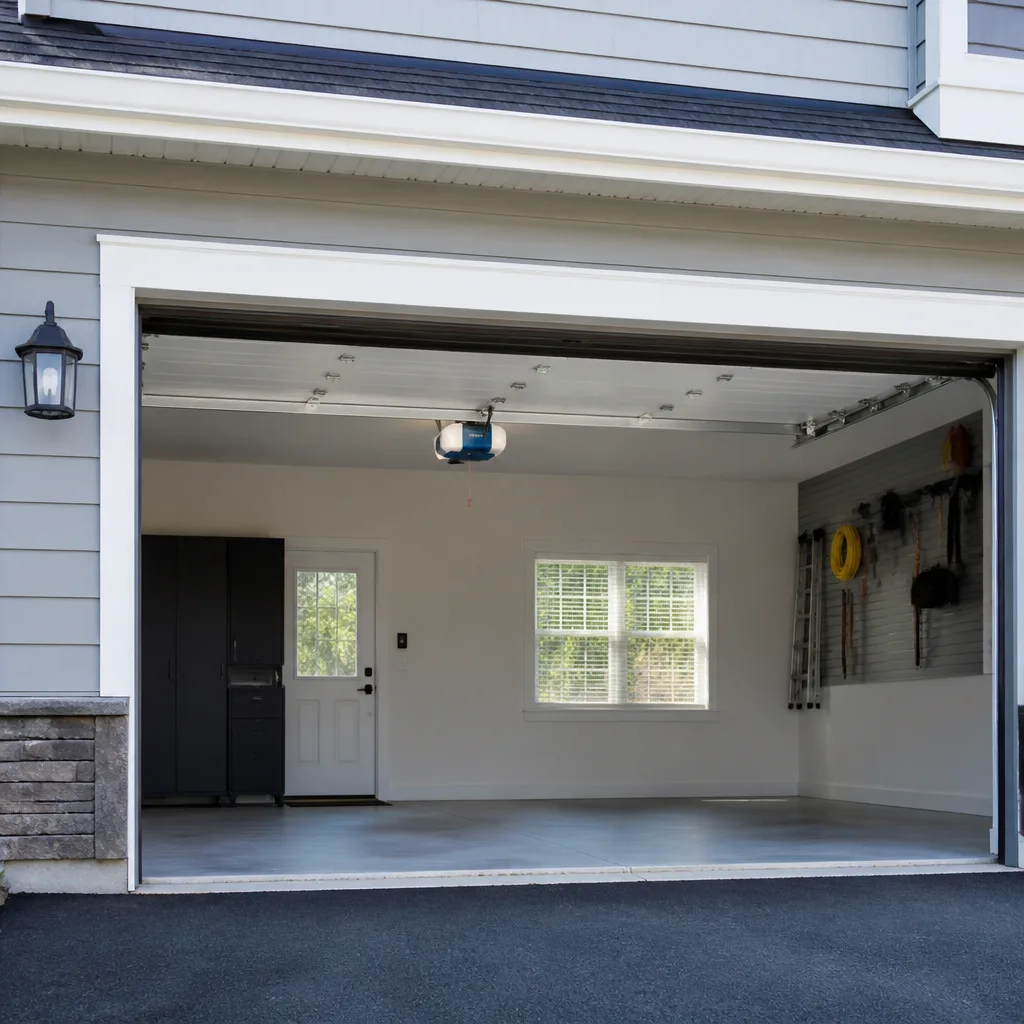 Chamberlain openers
Full 25-point door and opener safety check with every visit - springs, cables, rollers, tracks, and your LiftMaster or Chamberlain opener included
You get a price before we start. It does not change when the pro arrives.
Get your free estimateStyles & brands we work with
- Raised-panel steel
- Carriage house
- Modern flush
- Full-view glass
- LiftMaster openers
- Chamberlain openers
See the difference
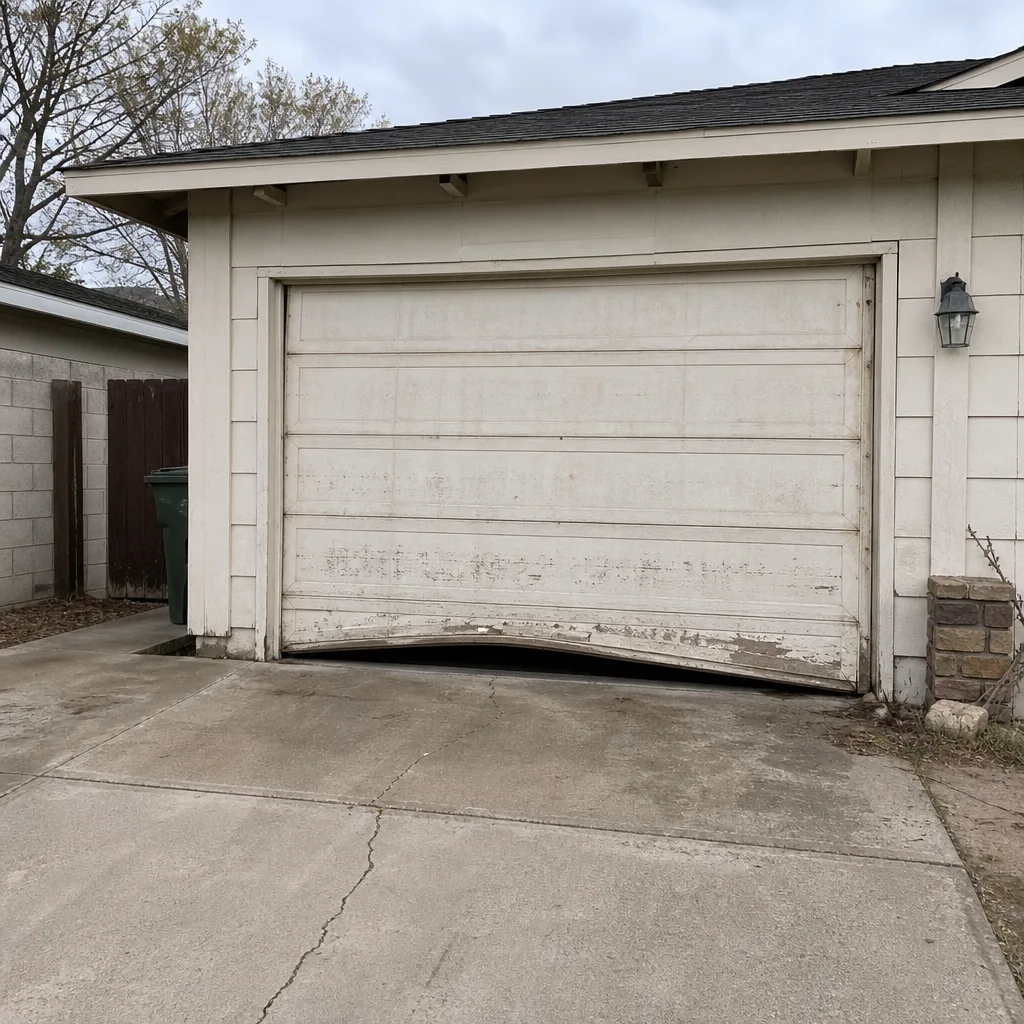 Before
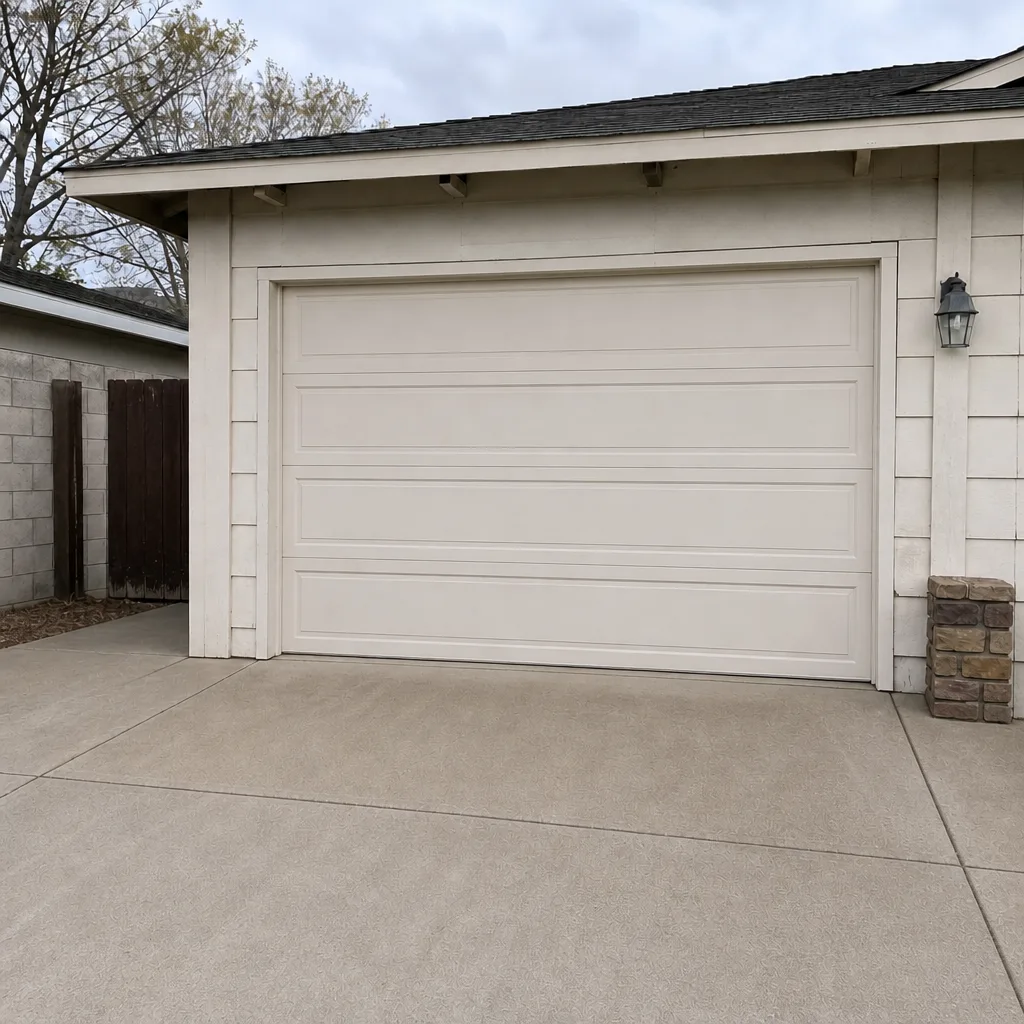 After
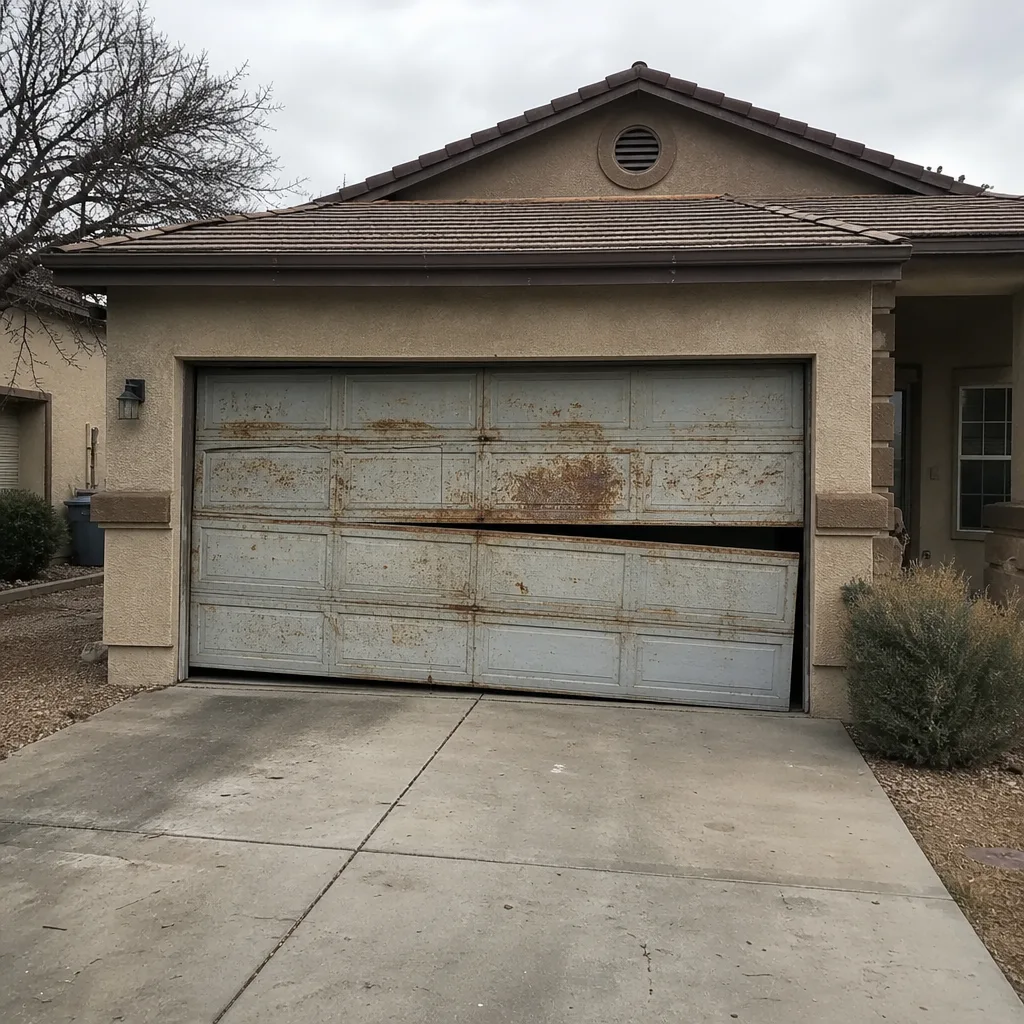 Before
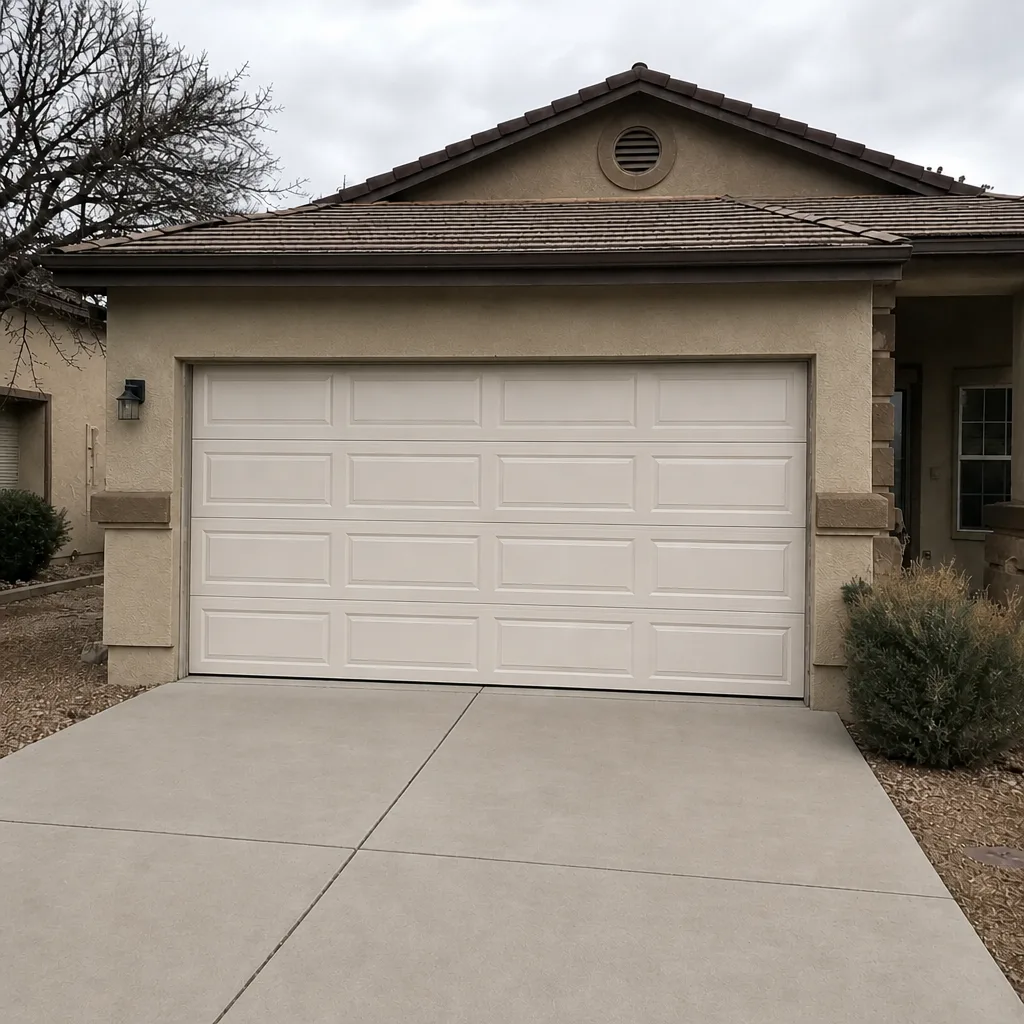 After
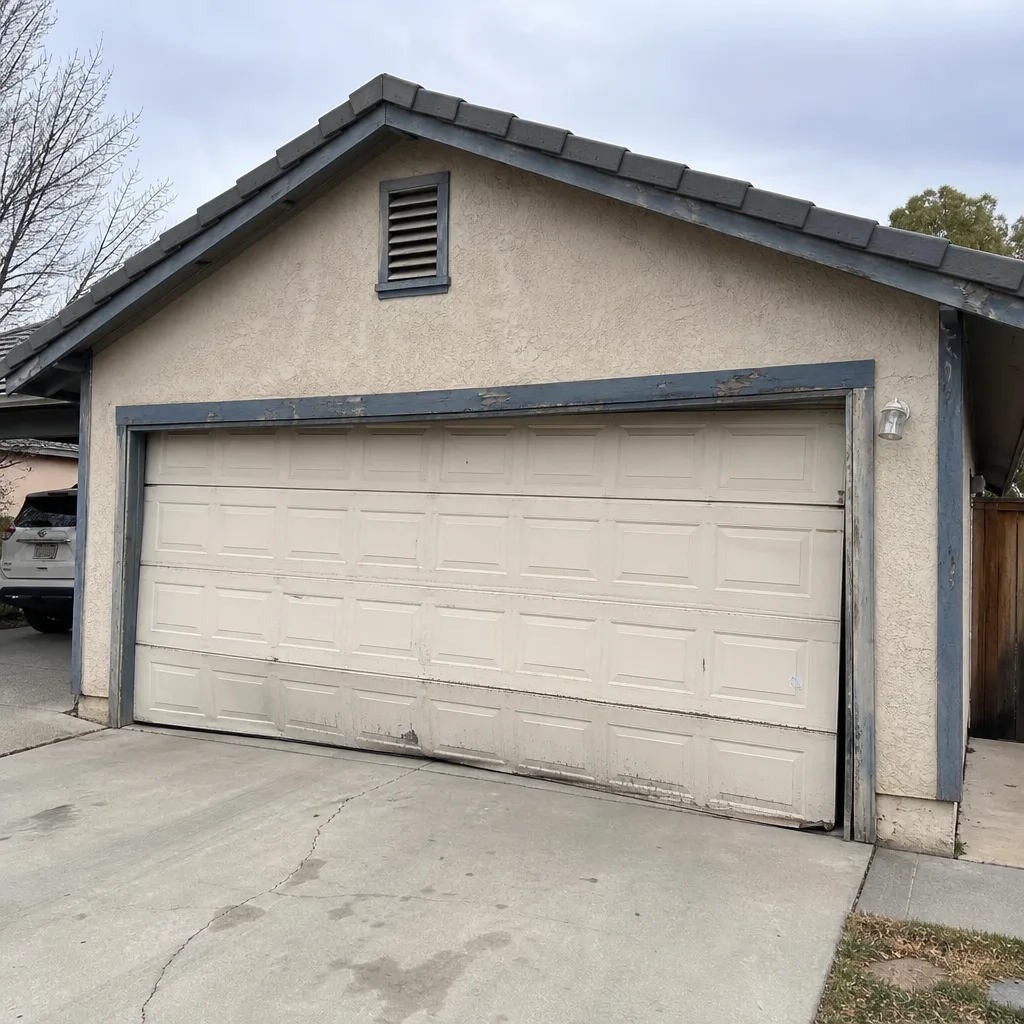 Before
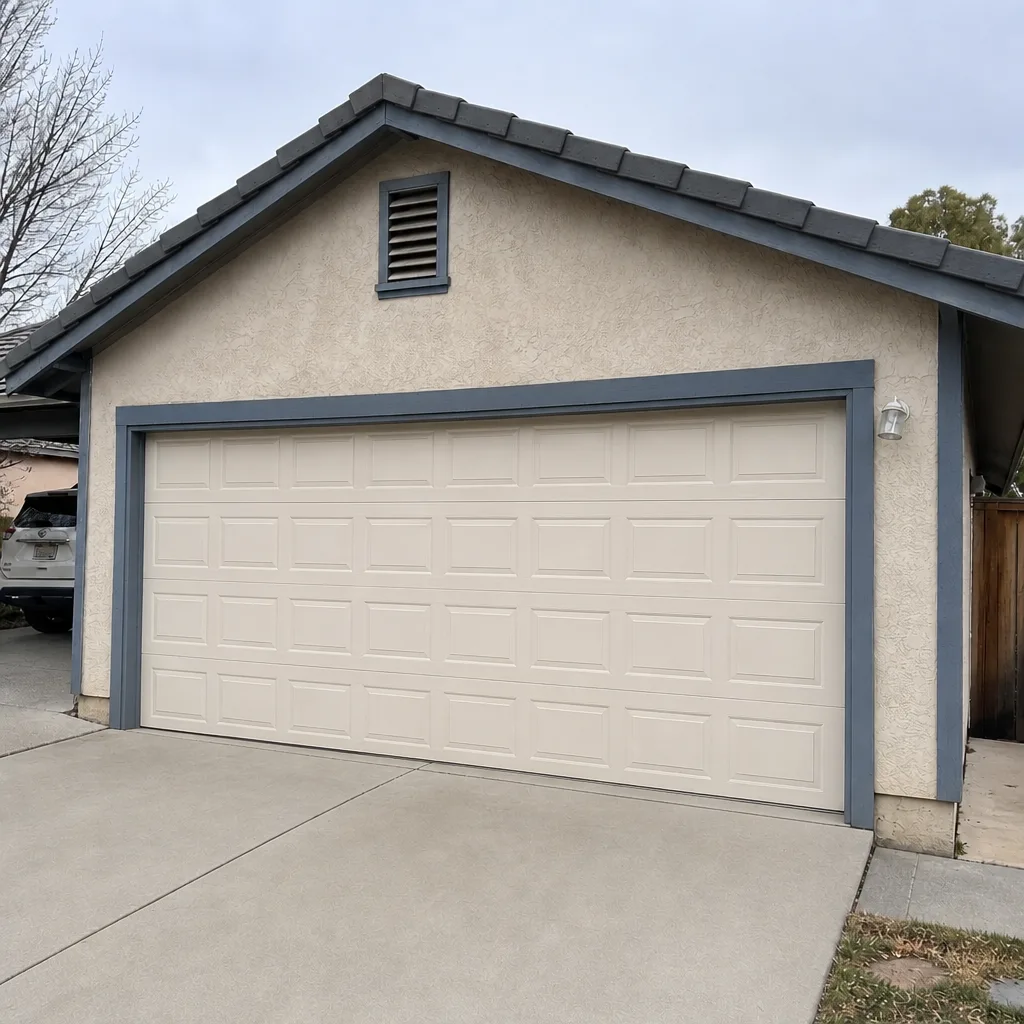 After
How to Program a Garage Door Opener in Enterprise, NV: What Actually Works on the Hardware You Have
Press the Learn button on the opener head, then press your remote within 30 seconds, and the door should cycle. That is the short answer for any post-2005 Chamberlain, LiftMaster, or Genie unit. But a lot of Enterprise homes were built with openers older than that, and those use DIP switches instead of a Learn button. So before you start, you need to know which generation you’re standing under. If the remote has a small panel of tiny switches inside the battery cover, you have a fixed-code unit. No Learn button required, but a very different programming routine. For help identifying what you’ve got, call (833) 620-7107.
Enterprise is a fast-built master-planned suburb south of the Strip, and most of its housing went up between the 1990s and the 2010s in HOA tracts off Blue Diamond, Sunset, and Eastern. That means nearly every garage in the neighborhood has the same builder-grade steel sectional door and the same handful of national-brand openers. In most of Enterprise, you are programming a Chamberlain/LiftMaster or a Genie. Almost nothing else.
Key Takeaways
- Decide first: DIP switches mean fixed code, a Learn button means rolling code.
- Pre-2005 fixed-code remotes all share a frequency pattern. Anyone with a matching switch pattern can open your door.
- Rolling-code units (Security+ 2.0 for LiftMaster/Chamberlain, Intellicode for Genie) change the code every press and cannot be cloned.
- The Learn button location varies by model year, so find it before you start pressing buttons.
- If the steps are right and it still won’t take a remote, the opener is the problem, not you.
Which opener do you have? Ask your remote
Pop the battery cover off a handheld remote and look inside. A row of eight to twelve tiny switches with ON/OFF positions means the remote matches a fixed code to the opener. No switches at all means the remote carries a chip and pairs to a rolling-code signal. You can tell in under 30 seconds, which is the whole point.
Otto’s crew sees the 1990s tract homes all through this part of town still running original openers: the LiftMaster 1346, the 3255, and the Genie 2024L show up again and again. None of those three shipped with rolling code in their early production years. And an old opener that still runs fine after 25 years of desert heat is a stubborn, reliable thing. It’s easy to forget it predates a lot of current safety tech.
Programming a fixed-code opener (pre-2005)
This is the DIP-switch system. The opener and the remote have to match switch-for-switch, and there’s no learning involved. It’s mechanical.
- Slide the battery cover off the remote and look at the switch bank. Note which switches are up and which are down.
- Open the opener housing on the ceiling (unplug it first if the panel is tight). Find the matching switch bank on the receiver board.
- Set the opener’s switches to match the remote’s pattern exactly. One flipped switch and it won’t work.
- Plug the opener back in and press the remote. The door should move.
- Repeat for each additional remote.
Here’s the part that doesn’t make the tutorial videos: on a fixed-code system, any remote set to the same switch pattern opens your door. It’s not encryption. It’s a mechanical combination lock, and it can be guessed. That’s the reason the industry moved to rolling code years ago, and it’s why swapping out a pre-rolling-code opener is a security upgrade, not just a convenience one. Otto’s treats it that way.
For HOA-tract resales especially, this matters. When a new owner moves in, the previous owner’s code could still be out there on someone else’s keychain. Clearing it is not a nicety.
Programming a rolling-code opener (Security+ and Intellicode)
On a rolling-code unit the Learn button does the work, and its location moves depending on model year. On a LiftMaster 1346 it’s on the back panel near the antenna wire. On a Chamberlain unit it’s often on the same side as the light lens. On a Genie 2024L it’s a small lever or button set beside the terminal strip. Find it before you touch a remote.
- Press and hold the Learn button until the indicator LED lights. On some units it’s a single press. If the light blinks instead, you held too long.
- Within 30 seconds, press and hold the remote button you want to use. Don’t release until the opener’s light blinks or the door cycles.
- Test from inside the garage with the door closed, then from the end of the driveway to confirm range.
- For Genie Intellicode, you may need to cycle the opener once after pairing for the code to sync.
If your new opener asks you to clear old codes first (common after a home sale), press and hold the Learn button for about six seconds until the LED flashes or goes dark. That’s the master reset. Every remote, keypad, and Homelink in the vehicle stops working at once, and you pair yours fresh. Do this the day you get the keys, not the day you notice the old owner’s remote in a drawer.
If you need the pairing steps for a specific model you don’t recognize, or you’d rather have a technician handle the reset and re-pairing, our Garage Door Opener Repair & Installation page covers the service. The same credentials apply across our full service list, and our Garage Door Opener Repair & Installation in Enterprise page has the local details.
When programming is the wrong question
If you’ve done the steps correctly and the remote still won’t take, the problem is usually the opener’s logic board or a frequency issue from interference. In Enterprise, the techs see this a lot in homes near the Strip corridor, where nearby commercial signals and dense Wi-Fi can drown a weak receiver. Newer openers hold up better against that; old ones don’t.
There’s a second thing to check while you’re up there, and it’s not a programming problem at all. Extreme desert heat plus blowing dust fogs the photo-eye lenses and stresses the opener gear. Otto’s diagnosed a lot of doors this past summer where the remote paired perfectly fine but the door wouldn’t close because a dirty eye lens was cutting the safety circuit. The pairing isn’t the issue. The sensor is.
| What you’re dealing with | Typical Enterprise range |
|---|---|
| Opener repair (board, gear, receiver) | $120-$320 |
| New opener installation | $250-$550 |
| Track realignment (bent track throwing off the door) | $120-$240 |
| Spring repair (most common failure this time of year) | $180-$340 |
| Panel replacement (HOA color-matched) | $250-$500 |
Most programming issues that turn out to be hardware fall in the $120-$320 opener repair range. If the opener’s old enough that the board is failing, replacement at $250-$550 is usually the better spend. Otto quotes both on the phone and holds the number when he pulls up. That’s the deal.
FAQs
Look inside the remote’s battery cover. A row of DIP switches means fixed code; no switches means rolling code. It takes about 30 seconds and it tells you which programming method to use. If you can’t tell, we can identify it over the phone when you describe the unit. And because a fixed-code opener shares its code with any matching remote, swapping to a rolling-code model is a genuine security improvement. Otto’s can quote the replacement upfront with no trip-charge surprise.
It varies by model year, but on the LiftMaster 1346 it sits on the back panel near the antenna; on a Genie 2024L it’s a lever or button beside the terminal strip. Press it, then press your remote within 30 seconds. If the door doesn’t respond, hold the Learn button for about six seconds to clear old codes and re-pair. A door that still won’t pair after that needs the opener looked at. Call Otto’s for a free second opinion on any written estimate.
Hold the Learn button on a rolling-code opener for about six seconds until the LED flashes or goes dark, then pair your own remotes and keypad fresh. On a fixed-code unit, reset the DIP switches on the opener to a new pattern and set each remote to match. Do this before you hang your keys. And check while you’re at it: the extreme heat and blown dust in Enterprise routinely foul photo-eye lenses and wear out the safety-reverse feature, so test that the door reverses when something blocks it. If it doesn’t, that’s a repair, not a programming fix.
Yes. Otto’s handles the reset, re-pairing, or full replacement in Enterprise, and prices come in at the upfront quote. That’s $250-$550 for installation and $120-$320 for most repair work. The 90-Day Done Right Promise is on every job in writing. If it’s not done right, one call brings Otto back. Free estimates, and no trip charge inside the county.
If you’d rather just have it handled
Programming steps only get you so far when the hardware is 25 years old and pulling 200 pounds of door. Otto’s Garage Door Enterprise looks at the opener and door together, not just the remote. No-pressure assessment, honest quotes, a real person on the line. Call (833) 620-7107 for a free estimate.
Written by the team at Otto’s Garage Door Enterprise, serving Enterprise, NV.